ANALYZE Web App
ANALYZE Web App brings traceability analysis to the browser. There is nothing to install on your computer: you sign in with your account and work on the projects of the organizations you belong to.
Where to start
- New to ANALYZE Web App? Getting Started shows how to sign in, join an organization and find your way around.
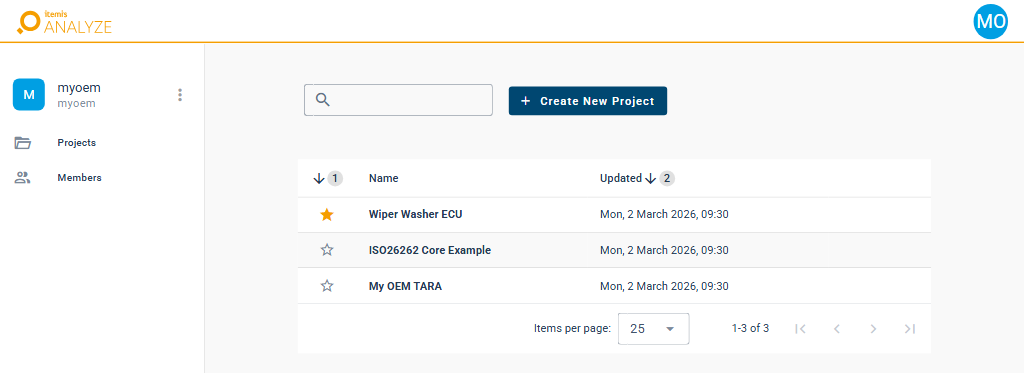
- Looking for a project, or want to create or share one? See Projects.
- Want to know which snapshot you are looking at, or look at an earlier one? See Snapshots.
- Looking for charts and tables of your query results? See Dashboards.
- Want to find artifacts and follow the links between them? See Data Explorer.
- Managing an organization, its members or their roles? See Administration.
Concepts shared with ANALYZE Desktop
The concepts behind itemis ANALYZE apply to both apps. They are described once, in the ANALYZE Desktop section:
- What is requirements traceability? — the idea behind tracing artifacts across a tool chain.
- Overview of itemis ANALYZE — how itemis ANALYZE connects to the tools of your development process.