Delete a project
Deleting a project removes it with all its snapshots and dashboards, for everyone in the organization. This cannot be undone.
Depending on your role, the trash can icon may not be shown; ask an Owner of your organization.
-
In the project list, point to the project and click the trash can icon at the right of its row.
-
ANALYZE Web App asks whether you are sure. Click Yes, Continue With The Process.
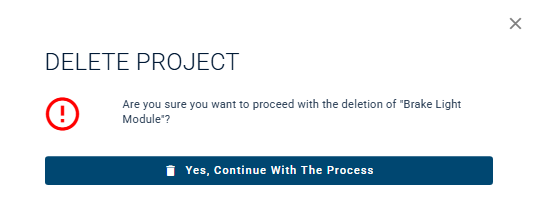
-
Type
DELETEinto the field, in capital letters. -
Delete The Project Permanently becomes available. Click it.
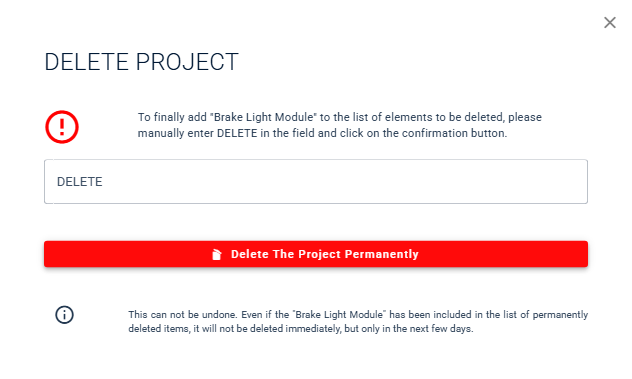
ANALYZE Web App confirms that the project was deleted and removes it from the project list. As the note in the dialog says, the data is removed from the installation in the following days.
To close the dialog without deleting the project, click ×.