Versions
SECURE Web App has no save button. Every change you make to a TARA is saved right away and becomes part of its history. Changes made in quick succession are collected into one version; the version is complete once about a minute has passed without further changes. You can go back to any version of the TARA, and nothing in its history is lost.
To open the list of versions, click ⋮ next to the repository name at the top of the page and then Versions. The Versions sidebar opens on the right, newest version first. Each version shows when it was made and who made the changes. × closes the sidebar again.
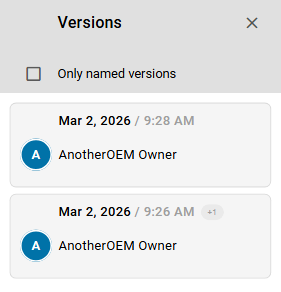
The list is available for TARAs. Threat catalogs have versions of their own, which are described in Catalog versions.
This chapter shows how to:
- Browse and view versions: find a version, see what changed and look at the TARA as it was then
- Name a version, so you can find important states again
- Revert to a version and continue from an earlier state